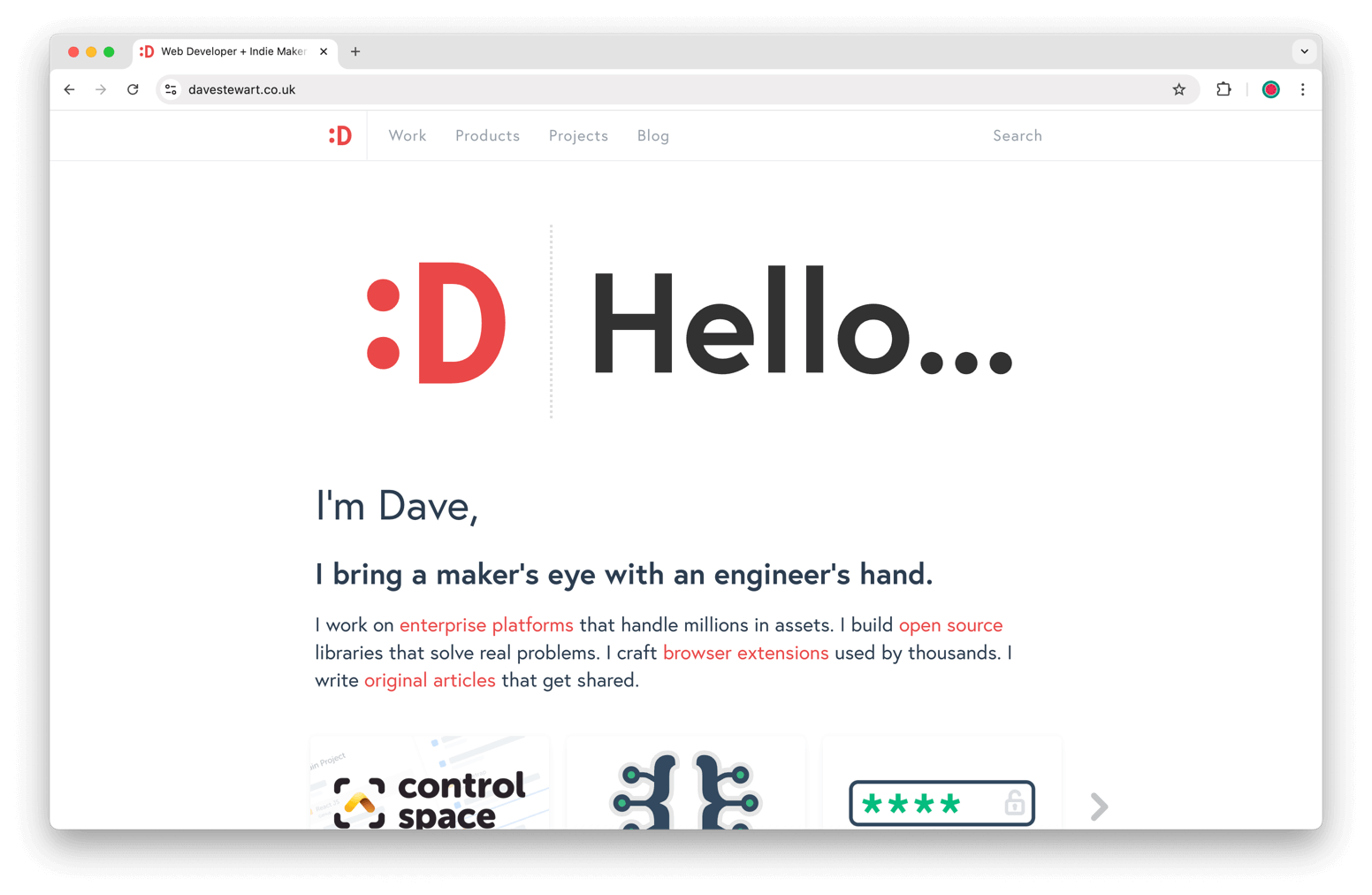
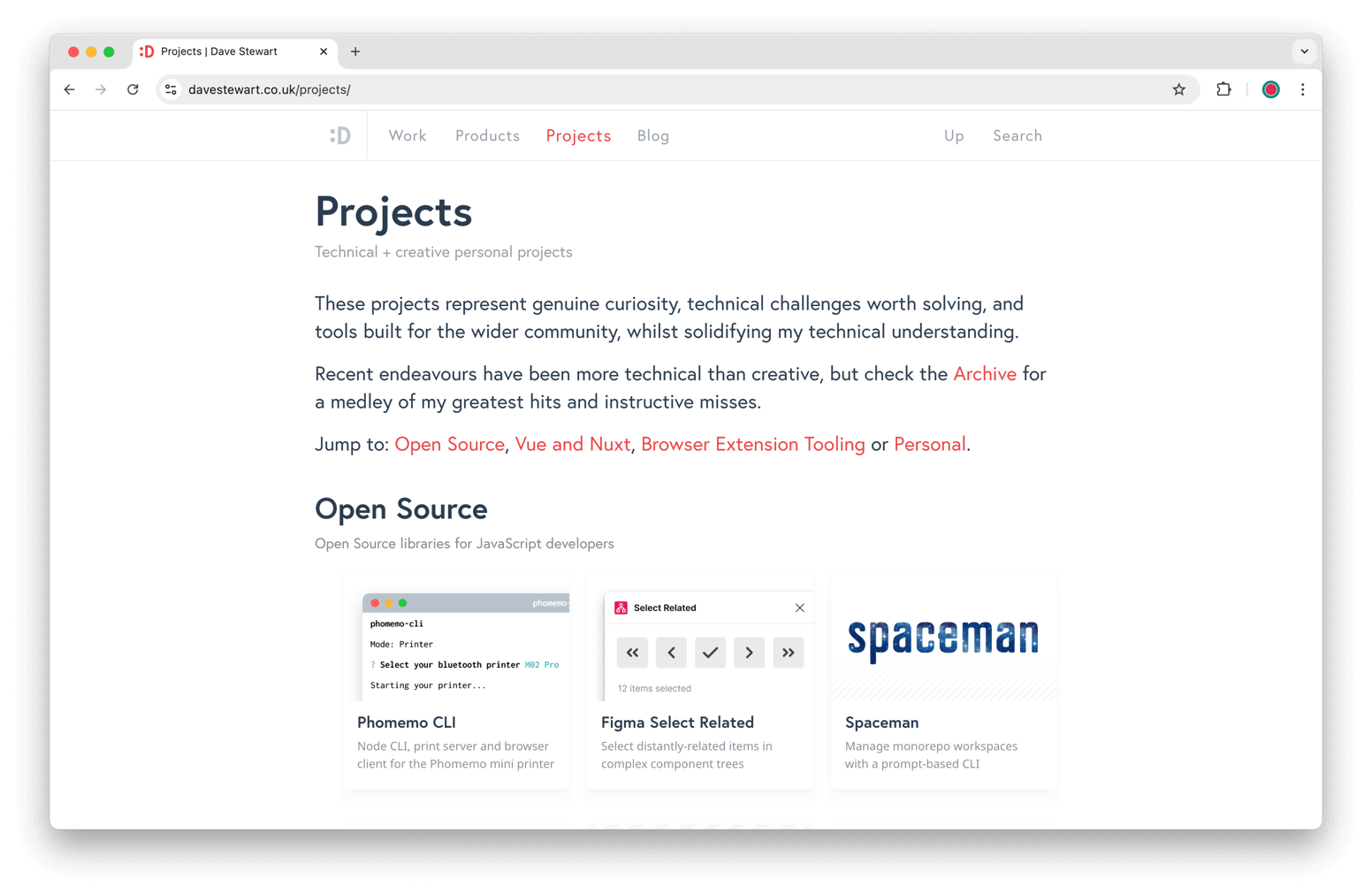
Dave Stewart
2026 Nuxt migration of davestewart.co.uk


Overview
In 2026 I migrated my personal website from VuePress to Nuxt.
VuePress had served me well for the last 5 years, but the ecosystem had moved on from Vue 2 and WebPack to Vue 3 and Vite. Nuxt 3 and 4 now leveraged both, with built-in content management, a thriving module eco-system, brilliant DX, and (finally!) outrageously performant sites.
Additionally, I had since written Nuxt Content Assets to co-locate images with markdown (this is how VuePress works out of the box), and I had bold ideas around architecture and theming which only Nuxt could support.
In this article I document the overall migration arc, including approaches and links to code.
Build
Goal
I was perfectly happy with the structure, look, and functionality of my old site. In the first instance, I just wanted to migrate to a new, faster, more flexible framework. Following that, I wanted to tweak the styling, and after that, begin to do more interesting things with the content; specifically, theming.
Migration
I knew that moving from Vue Press, Vue 2 (Options API) and WebPack to Nuxt, Vue 3 (Composition API) and Vite would be challenging. Rather than a line-by-line migration, it seemed like the perfect time to try out agentic coding.
I tried out Claude Code and Google's AntiGravity, but settled on AntiGravity for the slick UI. I have to say, it was a great experience! Watching it build a plan, move the files, migrate the code, and take decisions in minutes that would have taken me hours was incredible.
The code itself – whilst solid – had two main problems:
- lots of new composables; logic that looked familiar but felt bloated and scattered
- it was in the wrong paradigm; written for client-based logic, not a hybrid server/client application
But getting the site working in Nuxt without having to fret about the nitty-gritty was a huge win.
Architecture
As mentioned in the Goal section above, my aim was to support theming, so the new site leverages Nuxt's layers.
The foundation app is broken out into four main silos:
+- app              1️⃣ Core site logic     - plugins, utils
+- layers
    +- content      2️⃣ Nuxt Content logic  - store, logic
    +- base         3️⃣ Base theme          - components, composables, media, etc
    +- themes       4️⃣ Themes              - pages, assets, styling, components, composables, etc
If you're interested understand layers better, I published a Nuxt Layers deep dive last year.
I dig into the architecture more deeply in the Theming section below.
Content
Markdown content
All content in the site is written in Markdown, and managed with Nuxt Content.
It is loaded from separate Git repos (both site content, and showcase content) keeping the main repo logic only.
Site content is divided into two types:
- pages render full post content with embedded metadata and injected media
- folders render intro text and embedded tree components with child posts
As for the markdown:
- the site's images are co-located with the content, via a module I wrote called Nuxt Content Assets
- media components in the base theme render everything from images, to galleries, to videos or iframes
Centralised metadata
The old site had instant client-side search, which is duplicated in the new site.
The site's API makes available a minuscule 10kb payload to generate thumbnail trees, navigation, search tags, etc.
This is loaded when the site initialises and is managed in the physical content layer:
- the store makes the flat data globally-available
- the search service filters and transforms it for folders, search, featured posts, etc
Content admin
In the content repo, I have some scripts to generate new posts and edit the tags of existing ones.
To enhance search I maintain a canonical set of tags and have a commit script to check I'm not adding any new tags which aren't included in this list.
I'm also tinkering with an admin system for the site. This aims to store additional content metadata I might use, such as GitHub repo metadata, a content editor, etc:
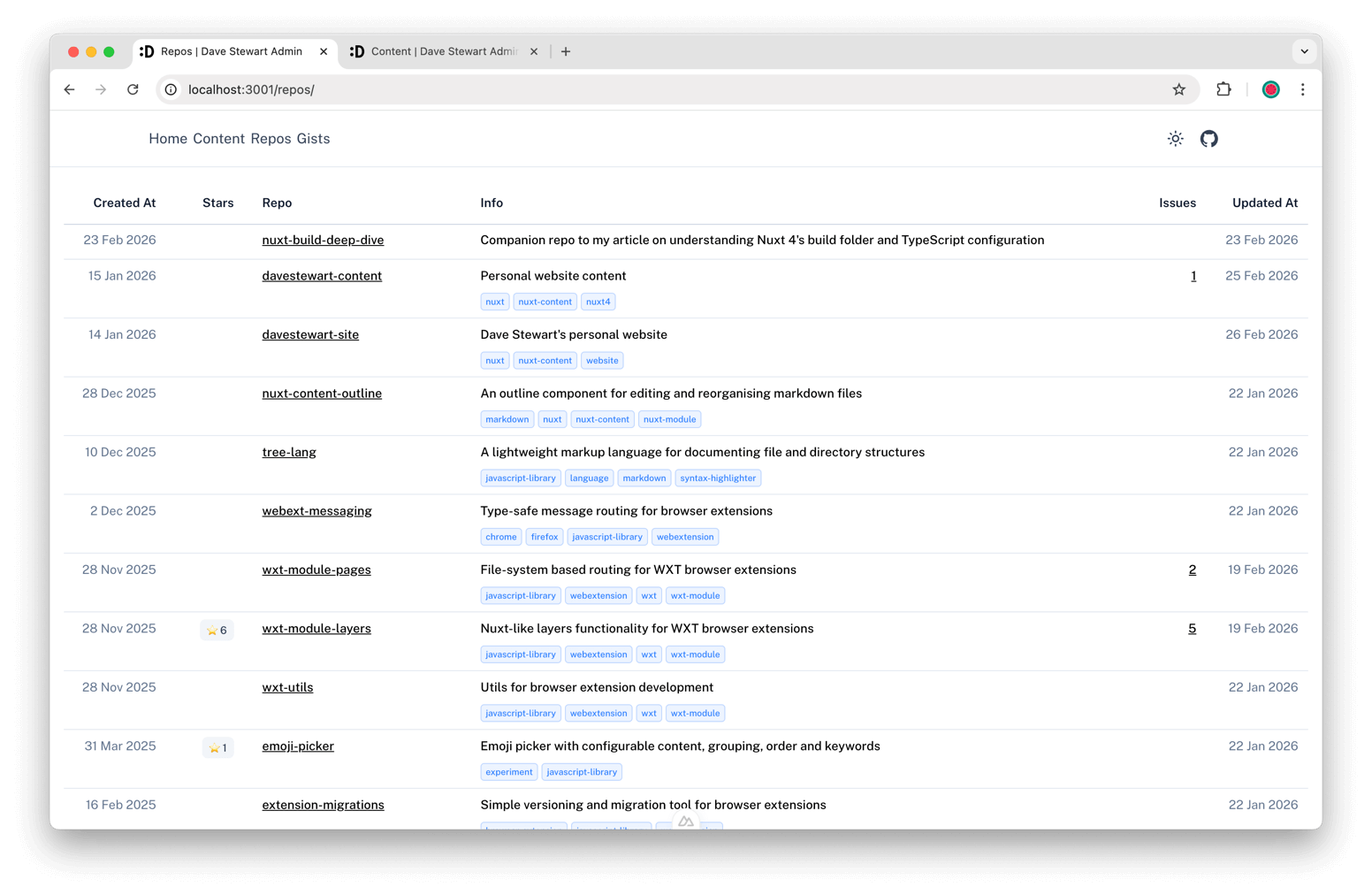
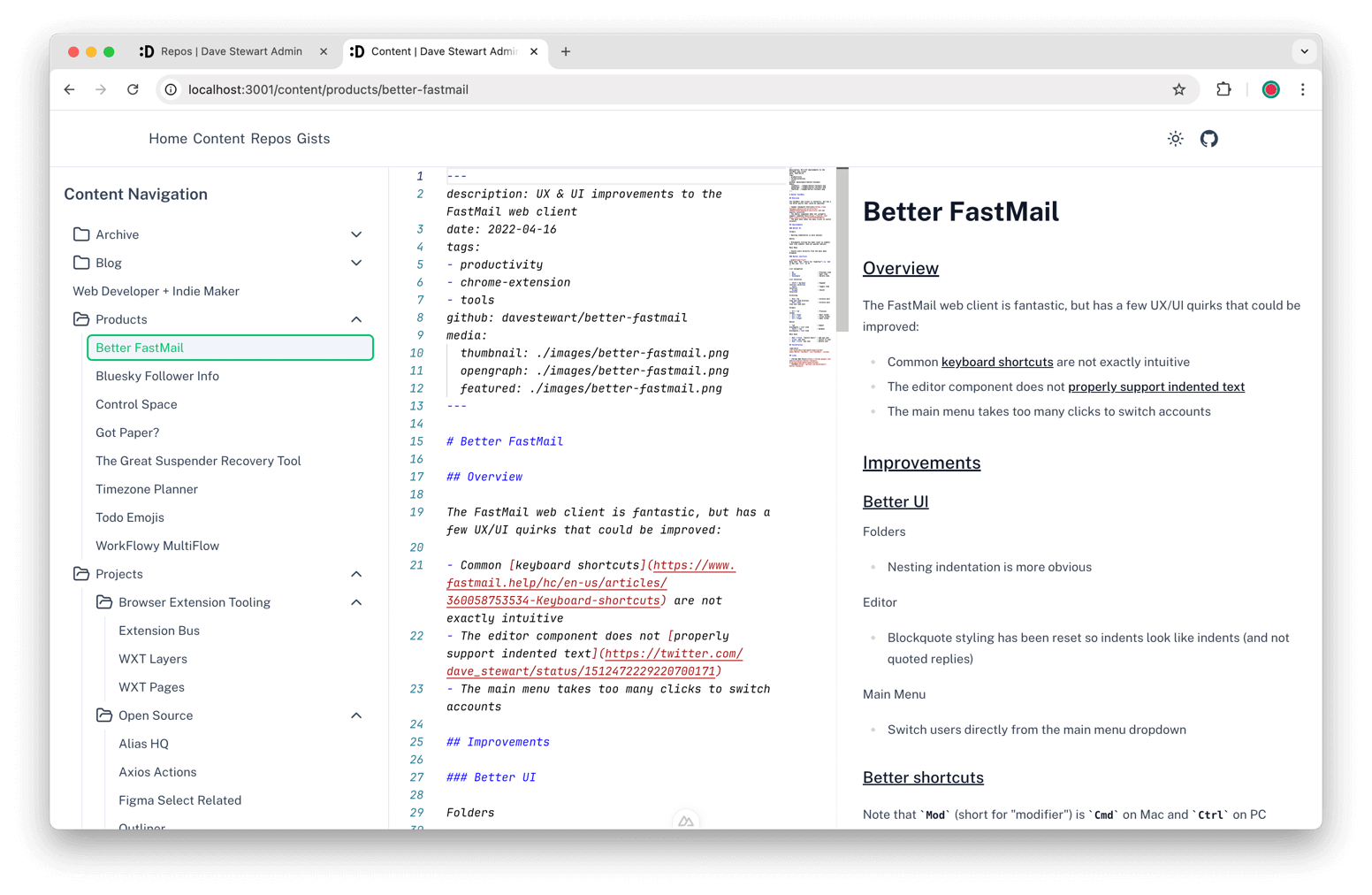
At some point I may combine this with the main repo into a single monorepo.
Content showcase
One of the things I have always wanted for a portfolio site was to provide on-the-fly CV generation.
For the new site, I host a separate "showcase" content repo, where I craft per-company CVs in markdown, with sections and links to projects hosted on the site.
Prospective recruiters or companies then receive a personalised link, where they land on a custom landing page, with a filtered set of projects, custom site navigation, with my portfolio tailored to the role:
https://davestewart.co.uk/<company-name>Also
Individual project posts call the GitHub API to fetch my Open Source projects' stars counts.
And I migrated my old site's Hyvor comment system to the new site, so I didn't lose anything in the switch-over.
Theming
Goals
One of my main goals for the new site was dynamic theming.
I wanted to use the same content, same APIs, same filtering and transformation logic, but be able to build out completely unique designs, on a whim. And with AI now able to generate code and designs in hours, I set about building a foundation to enable rapid prototyping but leveraging the rather than rewriting it.
Theme architecture
The site's app and layers architecture orchestrates theming to provide foundational logic, unified content management and components, with themes generating their own routes, components, styling, etc.:
+ app                           1️⃣ Core functionality
|   +- assets
|   +- plugins
|   +- utils
|
+- layers
    |
    +- 1_content                2️⃣ Nuxt Content functionality
    |    +- composables
    |    +- server
    |    +- store
    |    +- types
    |    +- utils
    |    +- nuxt.config.ts
    |
    +- 2_base                   3️⃣ Base theme functionality (content, media, icons, common)
    |    +- components
    |    +- composables
    |    +- nuxt.config.ts
    |
    +- 3_themes                 4️⃣ Primary theme functionality (routes, styling, animation, etc)
        |
        +- main                 😎 Main theme (core brand, whistles and bells)
        |    +- assets
        |    +- components
        |    +- layouts
        |    +- pages
        |    +- ...
        |
        +- ...                  🤔 Other themes (grids, 3d animation, ai-designed, etc...)
        |
        +- nuxt.config.ts       ⚙️ Build and theme orchestration
Themes are switched at build time, by extending from a themes/ sub-folder via an environment variable.
Each theme brings its own routing, components, and configuration, adding its own tools, etc, etc. Right now, themes compile simply and easily. At some point it may be necessary to switch to a monorepo, and setup, build and export themes from their own workspaces.
Theme folders
The site currently ships with two themes:
- main - the core Dave Stewart brand, with all the clever functionality mentioned above
- pico - a 4-file, vanilla proof-of-concept theme using the Pico CSS framework
This is what the ulta-simple Pico theme looks like:
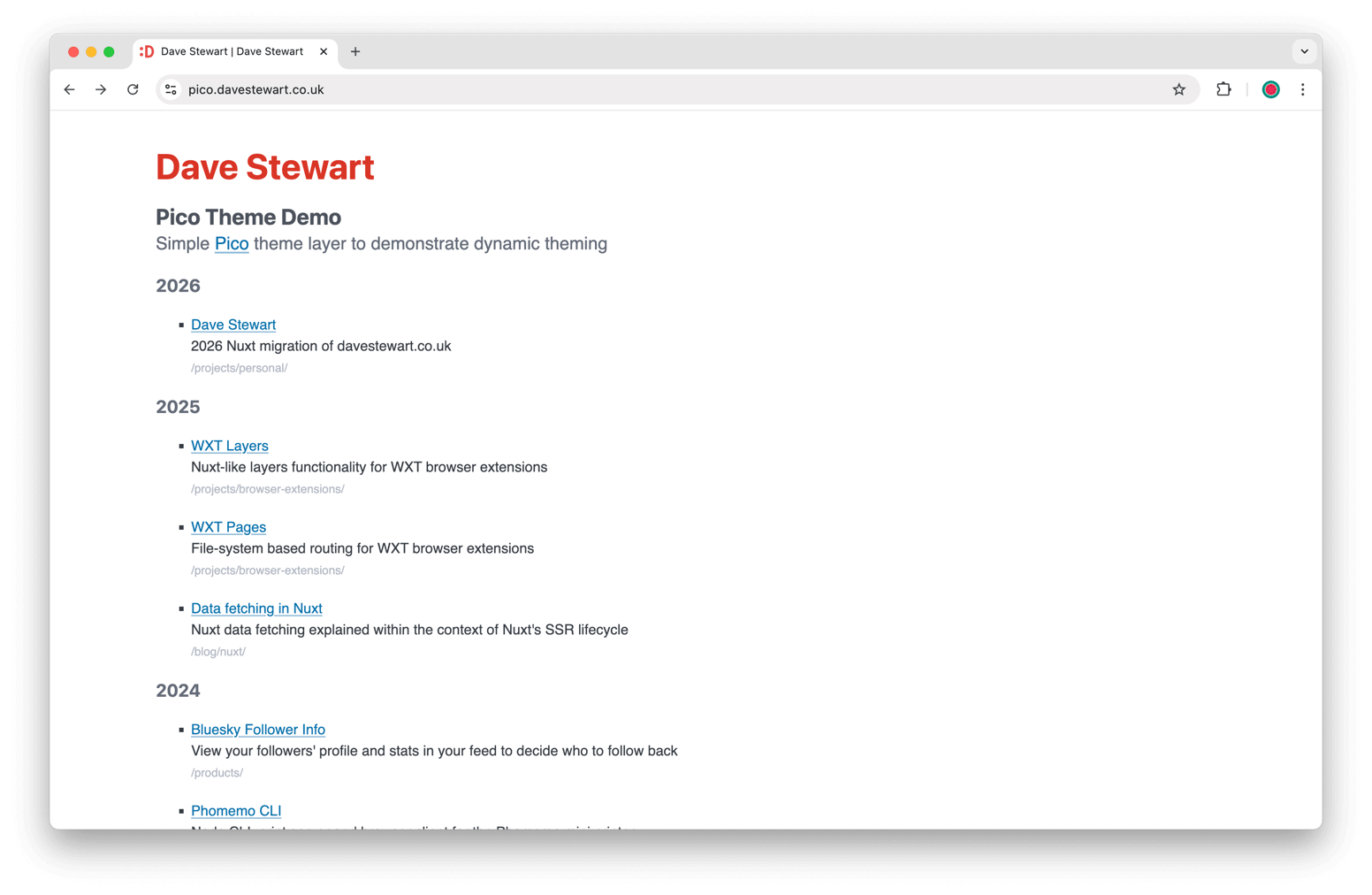
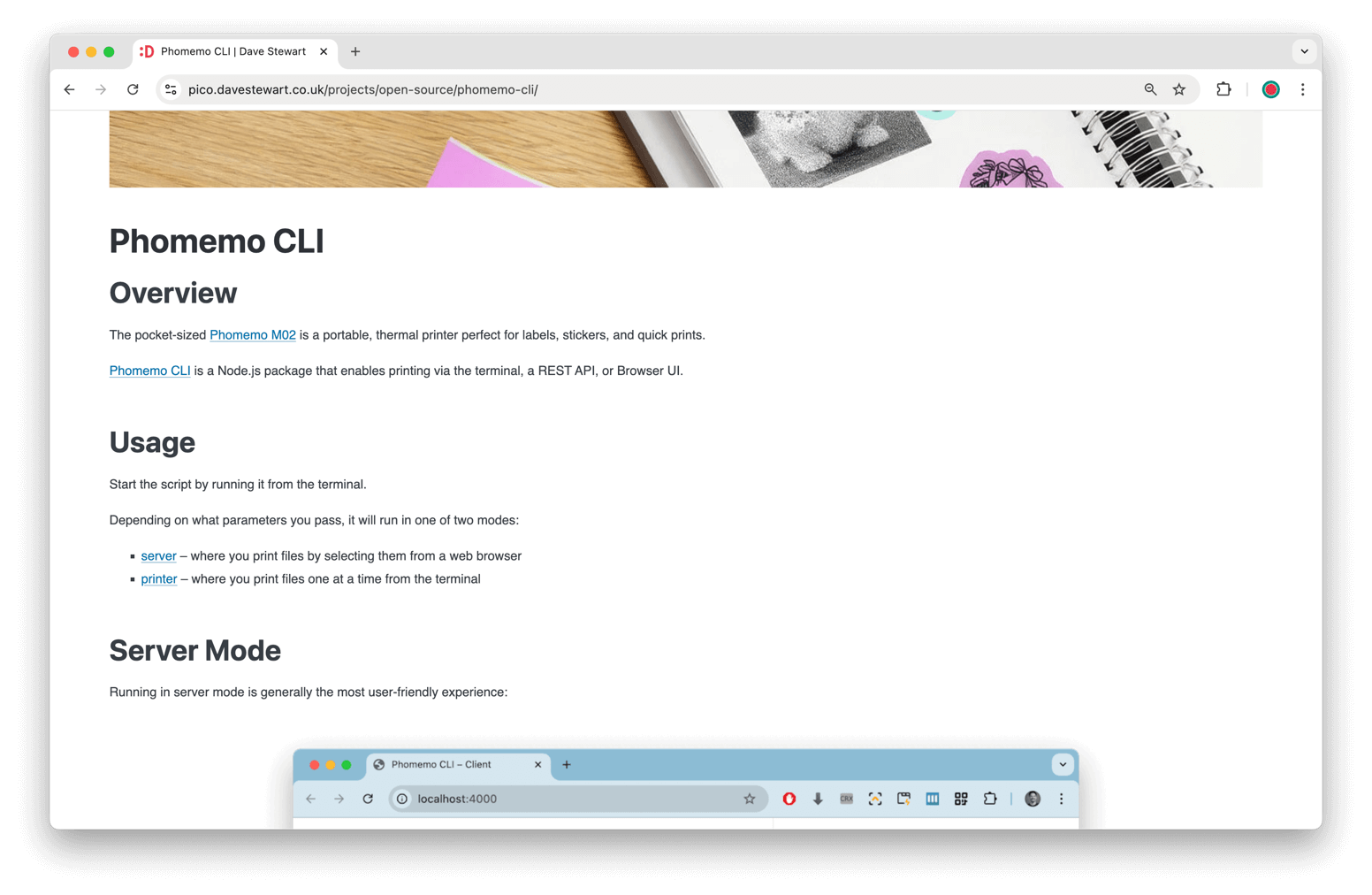
You can view it live, hosted and deployed automatically to a subdomain, here:
And I have lots of ideas for future themes such as:
- Single Page: something which redraws the same page, with a clever UI/UX to replace previous content
- Project Grid: a grid-based layout with flippable 3D cards, like a modern-day rendition of Rise as One
- Typography: something where I get to use all the fonts I've bookmarked over the years!
- Tube Map: a 3D map of the site's content, similar to my Open Source Map experiment
- Three JS: some kind of stylised, single-page rendering, of structures representing my projects
Being able to say to AI "here's the existing themes; now build me a new one based on that" is going to be a game changer!
UX
Micro-interactions
With the site's design being crisp and clean, I've worked hard to polish the site's micro-interactions.
Media
- Home screen "Hello..." animation
- Full screen gallery / images preview transition
- Thumbnail rollover transitions
Navigation
- Menu items hover and active states
- "Up" menu item only shows when 1-level or more down
- "Archive" menu item only shows in Archive section (keeping it current!)
Scrolling
- Clicking a link scrolls to the right section
- Navigating to a section on another page navigates, then scrolls
- Header subtly animates down and up, depending on scroll direction
- The "scroll to top" indicator appears when scrolled down (and moves out of the way of the navigation footer)
Keyboard shortcuts
The site also has some handy keyboard shortcuts, should you remember to use them!
Media
Left/Right- cycle through visible gallery imagesClickzoomable (🔍) media - fullscreen previewEsc/Scrollclose preview
Pages
Shift+Left/Right- navigate to sibling postsShift+Up- go up one folder level
Search
Cmd+K- show searchEsc- cancel input > cancel searchEnter- submit search
Summary
Takeaways
This has certainly been the most enjoyable Nuxt projects I've ever worked on.
The main reason being, the overall structure, presentation and content was decided, and I got to concentrate on the delta; what I needed to do to migrate to the new framework, and how to tune Nuxt make it do exactly what I wanted.
I got to know various areas of Nuxt extremely well:
- Nuxt Content, especially external sources, the API, transformers, querying, etc
- the page load lifecycle, and specifically async data fetching, resolution and reuse
- all kinds of nasty build bugs, and how to avoid or mitigate them in future
- the Vite build system and Nuxt's context-appropriate TypeScript generation
Is everything perfect? Well, it's good enough or now:
- there's at least one place where there are some VuePress hangovers, but it's not a huge problem
- I would love to move Tailwind, but the SCSS-based BEM is actually just fine
And if I want to start from scratch, I can just create a new theme!
Upcoming blog posts
Working on this project has also stirred some ideas for future blog posts, so look out for these in the coming weeks:
- "What even is Nuxt?" – discussing the "meta framework" and how it works
- "Nuxt build deep dive" – digging into Nuxt 4's multi-context TypeScript configuration
- "Nuxt page lifecycle" – learnings in what tripped me up in this project
Links
Repos: